Apps by xType / xCanvas

xCanvas
Text art,
beautifully made.
Choose from 1,500+ fonts to turn a name or phrase into a logo, a tattoo lettering concept, or a piece of text art.
Get the free app on Google Play
Scan to open Google Play
on your Android phone.
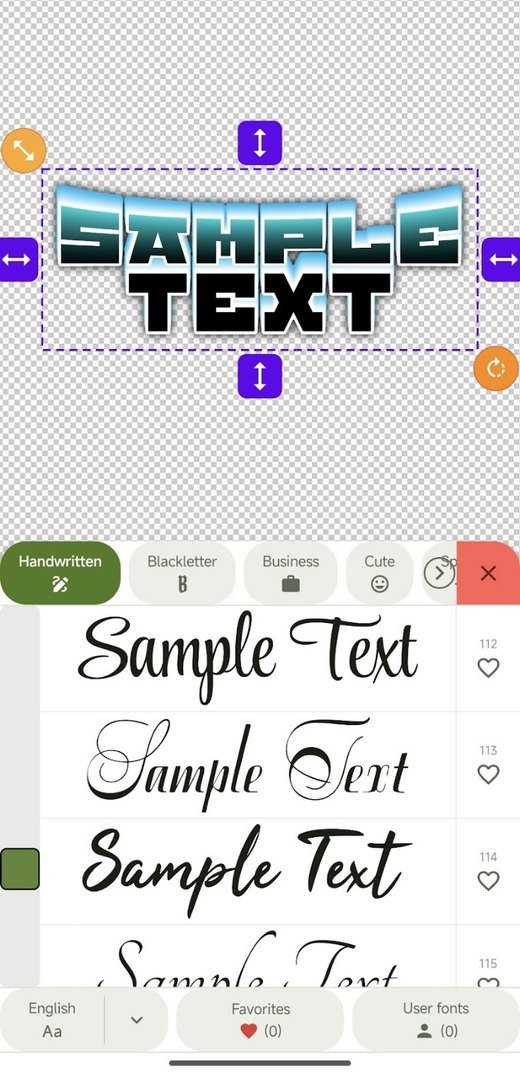

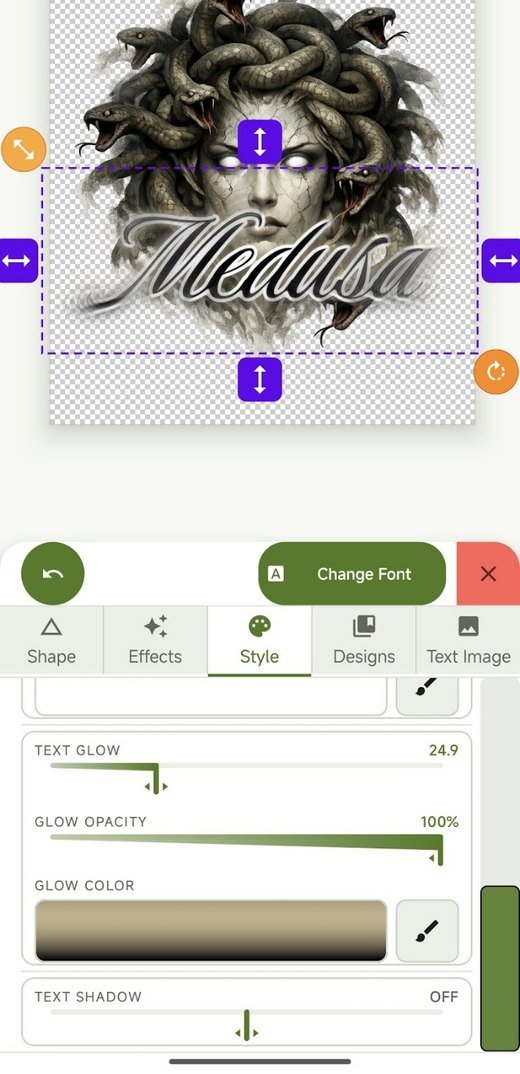
Lay out a name or quote
Set a phrase on a curve, rotate the letters, or place your design over a reference photo. Editable layers let you move text, shapes and backgrounds independently.
Finish the artwork
Try an outline, shadow or gradient, save the editable project, and export an image for sharing. If you are exploring a tattoo, use the lettering as a reference to discuss with your artist.
Start from a template
Begin with a blank canvas or a downloadable template, in sizes for YouTube thumbnails, Instagram posts and stories, Facebook covers and Pinterest pins, or set your own dimensions.
Turn photos into artwork
Import a picture, remove its background automatically and place the subject over another image. Adjust exposure, contrast and color, or blur only the background.
Create images from an idea
Describe what you want and choose a style such as photorealistic, watercolor, pixel art or comic book, then add the generated image to your design. This needs an internet connection, and usage limits apply.
Export and keep editing
Export PNG images up to 10,000 × 10,000 pixels, or share an editable PDF that opens in any PDF reader and can be imported back into xCanvas.
Bring an xType font into a design
Download a family from the font library and unzip it. Import its TTF or OTF in xCanvas, type your text, and adjust the size and spacing before exporting your artwork.
Browse free xType fonts →